Product

What’s inside a workspace

A workspace is one team’s Tridge: its people, its projects, its pages and its conversations. These are the applications on its rail, and at the end, what is not offered yet.

Plan

Tracker

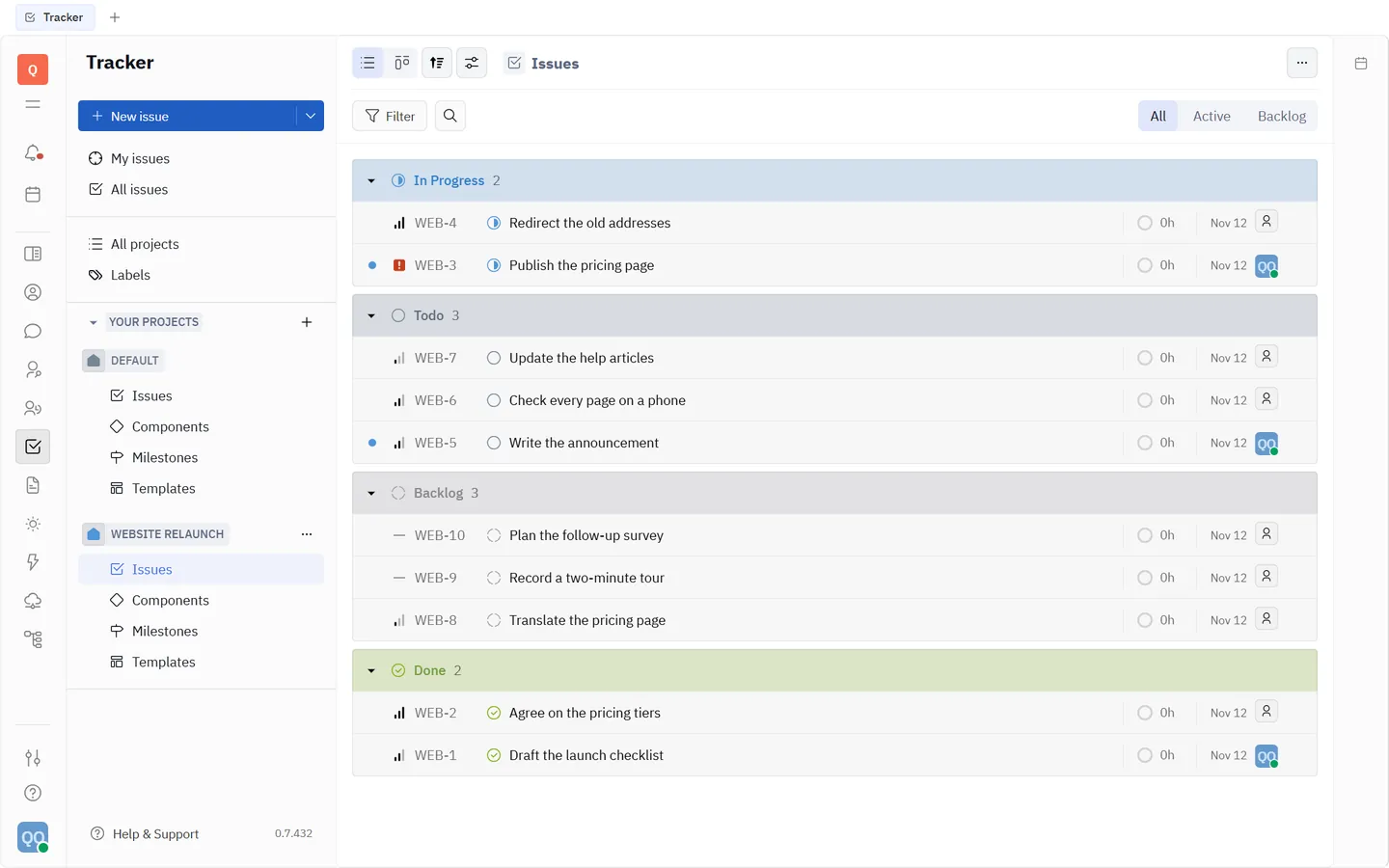
Projects hold issues. An issue has a status, a priority, an assignee, labels, an estimate, a start date and a due date, and can have sub-issues of its own. Milestones and components group issues inside a project; templates start the ones you create again and again.

Tracker in the Help center
  • “My issues” and “All issues” across projects
  • List and board views, grouped and sorted your way
  • Filters saved as views
The Tracker: a project's issues grouped by status.

Plan

The board

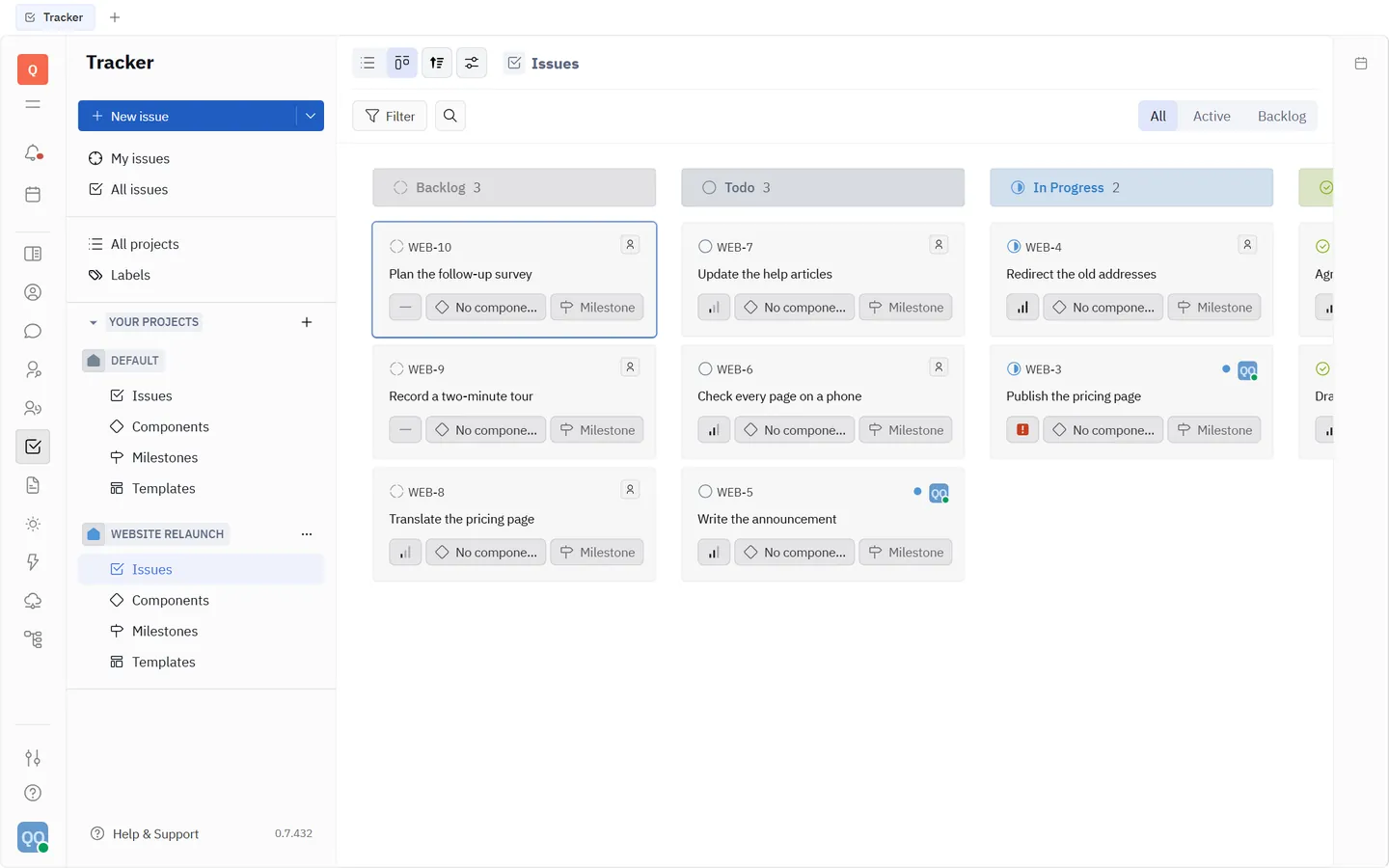
The same issues as columns by status. Drag a card to move the work forward; the list and the board are two views of one set of issues, so nothing is kept twice.

The Tracker's board view: issues as cards in columns by status.

Write

Documents

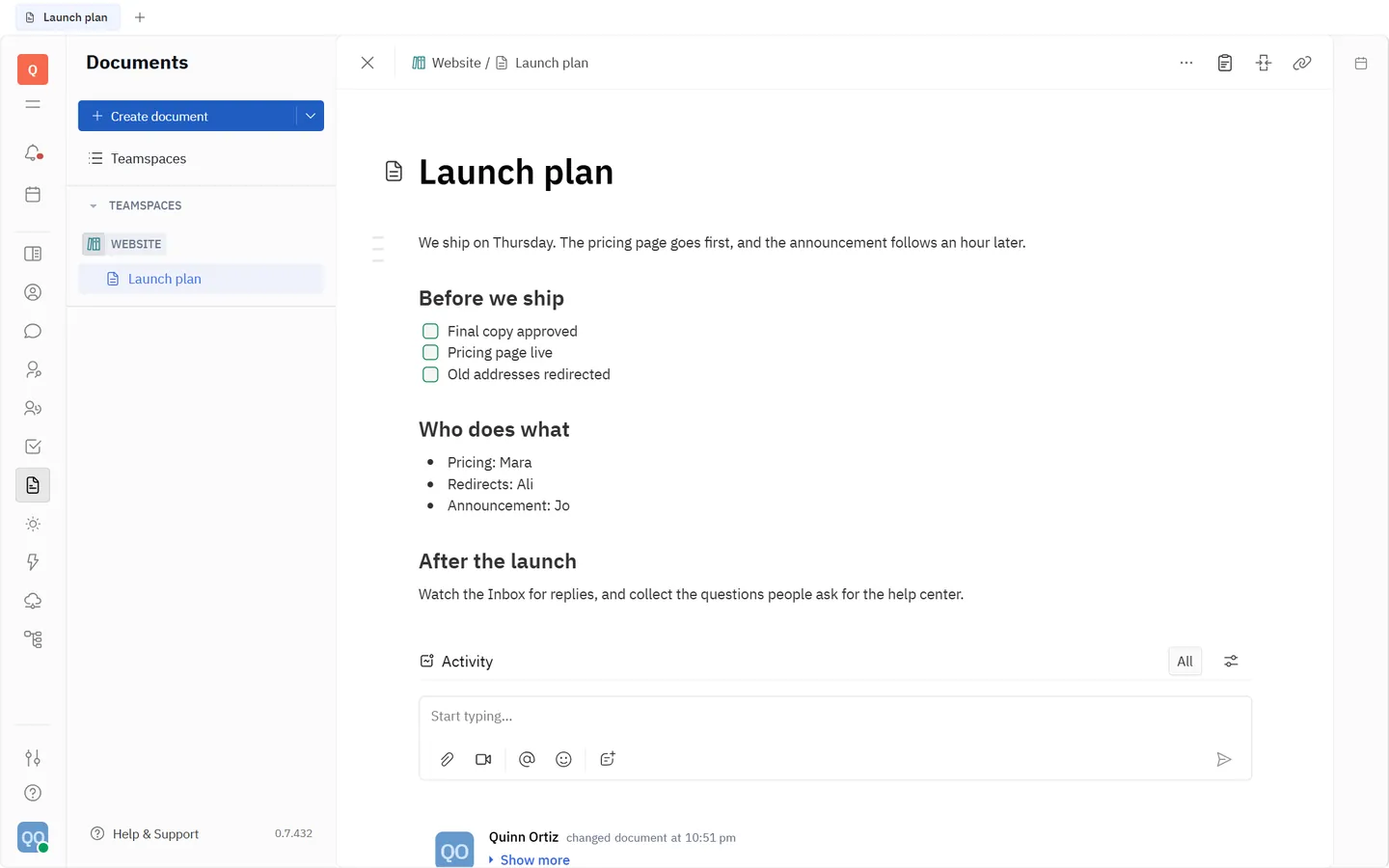
Pages live in teamspaces. Several people can edit one page at the same moment and see each other’s changes as they are typed. From the text you can mention a person, an issue or another page.

Documents in the Help center
A document open in Tridge.

Talk

Chat

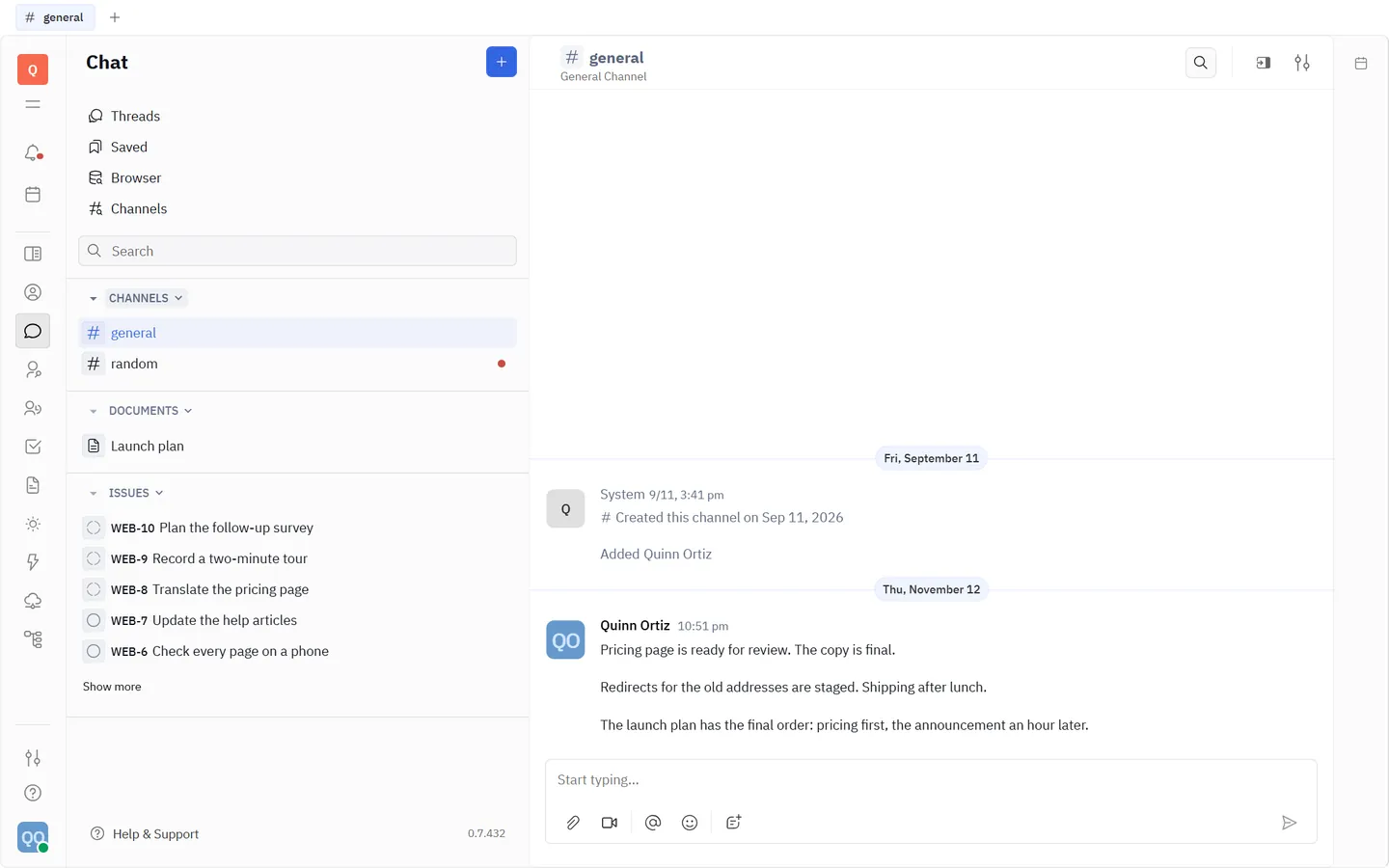
Channels for teams and topics, direct messages for two or a few, threads to keep a reply with its question. Deleting a message asks before it acts.

Chat in the Help center
A chat channel in Tridge.

Talk

Inbox

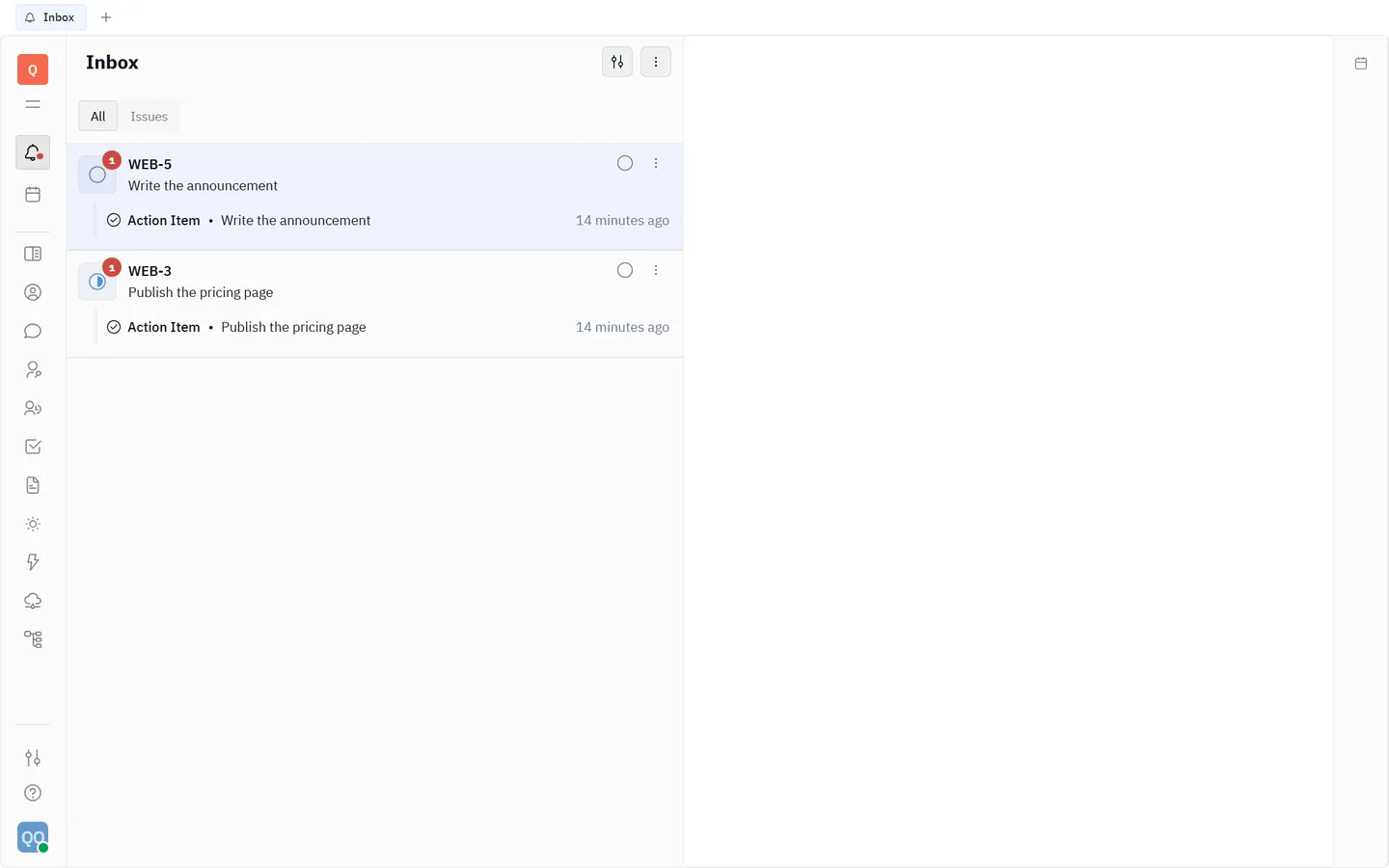
Everything that needs you, from every application, in one list: assignments, mentions, replies, changes to what you follow. Narrow it to what is addressed to you, to mentions or to unread; the filters that are on stay visible beside the title.

The Inbox in the Help center
The Inbox in Tridge, with its filters shown beside the title.

Plan

Planner

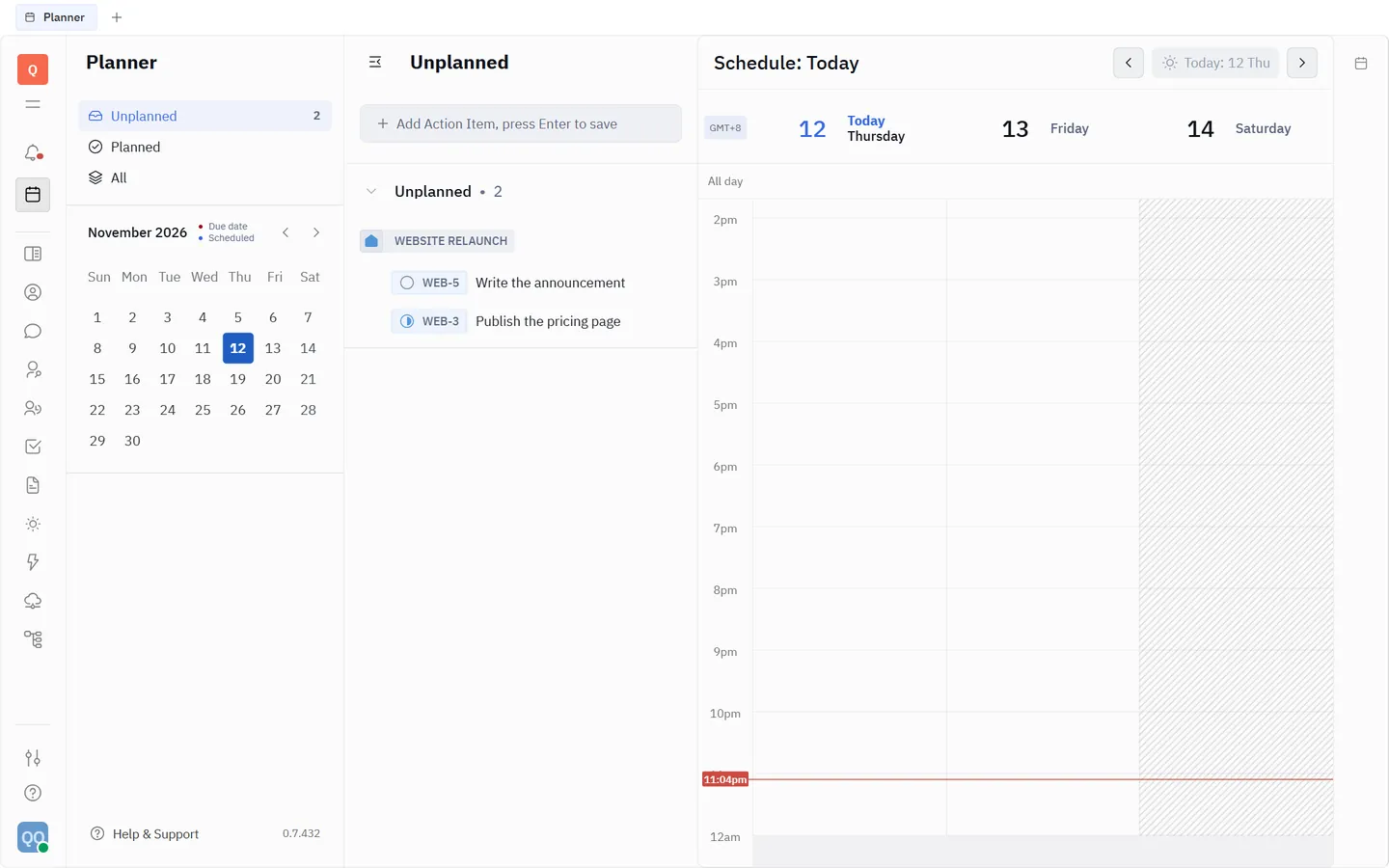
Your own day: the things you mean to do, and a calendar to give them time. Work assigned to you in the tracker can be planned here without copying it.

The planner in the Help center
The planner in Tridge: a list of to-dos beside a calendar.

Also on the rail

The rest of the workspace

  • Drive

    Folders and files for the team, in the same workspace and under the same sign-in.

  • Cards

    Records of a type your team defines, for the knowledge that is not an issue and not a page.

  • Contacts

    The people and organizations your workspace knows, members and outside contacts alike.

  • Team planner

    The team’s planned work on one timeline.

  • Search

    One search across issues, pages, messages and files.

  • Actions and shortcuts

    Ctrl K lists what you can do from where you are; the common actions have keys of their own.

Plainly

What is not offered today

A product page that lists only what works is half a product page. These are switched off in the hosted Tridge, because nothing we would stand behind sits behind them yet.

  • Video rooms

    The Office application is off. Meet in the tool your team already uses and link the notes from a page.

  • Guest sign-in and self-registration

    Every account comes through Exprezoe Identity. Nobody can create one for themselves.

  • Mailboxes and outside integrations

    Connecting mail, calendars or chat services from other vendors is off.

  • Automatic translation

    Messages and pages are shown as they were written.

  • Desktop and mobile apps

    Tridge runs in a current desktop browser. There is no installable app.

The full list, kept current

See it with your own work in it.

Screens with sample data only go so far. Sign in if you have a workspace, or ask us for one.

Sign in to TridgeAsk for a workspace